The Chrome extension
Same model as this site, plus what a web page cannot do.
| The extension | This website |
|---|---|
| Picks up the video from the page you are on, with no download step | You choose a file from your computer |
| Keeps going when you close the tab; picks up where it stopped after you quit Chrome | The export ends with the tab |
| Files up to 10 minutes | The first 60 seconds |
| A queue, running in the background | One clip at a time |
| Can be driven by an agent over MCP, hands-off | Not possible |
After a quit, you open the Acuta panel again and press Resume. Picking up asks Chrome for access to your files once or twice, and Chrome may decline to keep the extension’s storage: if it does, Settings says so, because running low on disk could then lose work already done.
What it looks like
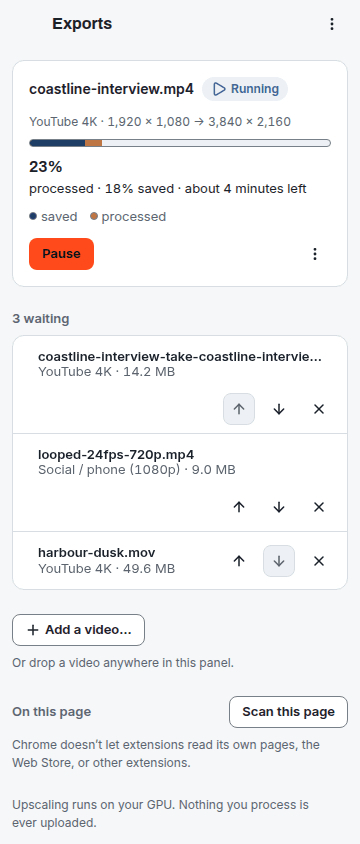
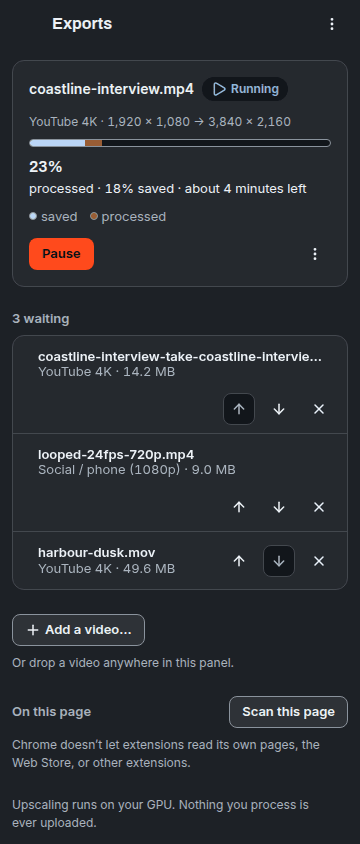
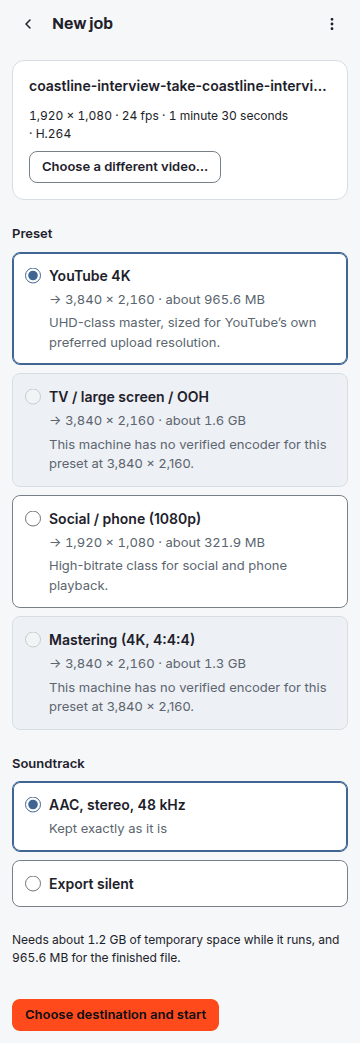
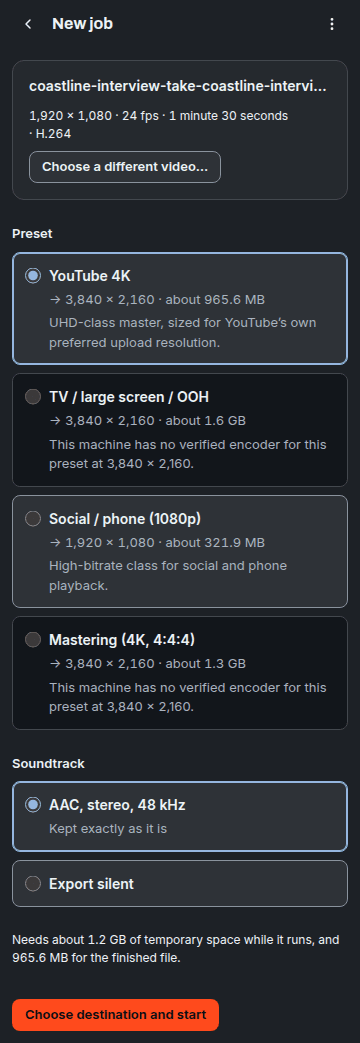
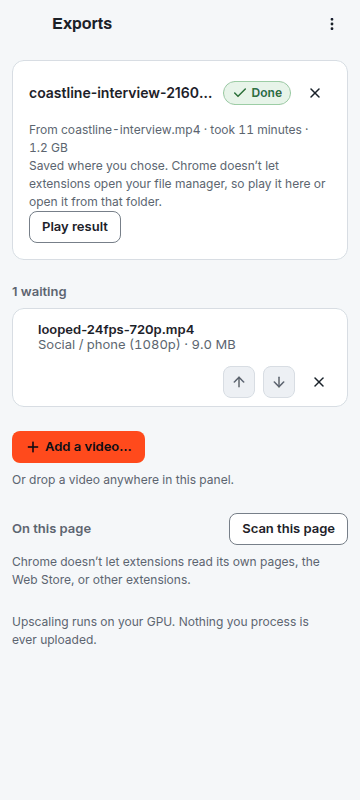
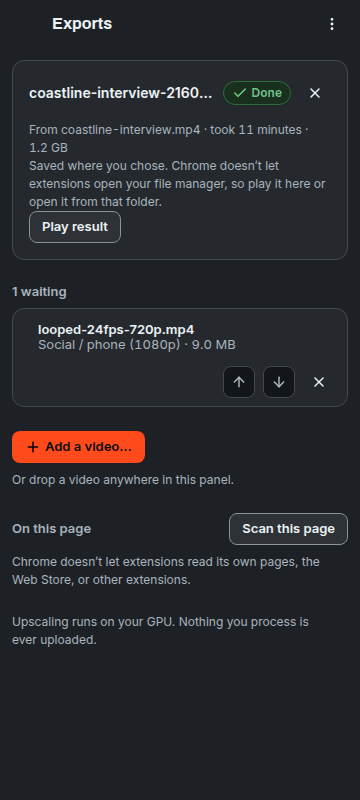
Where the clip comes from
The extension detects the video on the page you are looking at, so a job starts from the clip you just generated. Single-file videos only; segmented streams such as YouTube’s are not what it is for.
The extension fetches only what you ask it to: a video you chose, from a site you granted access to, and the preview image a page shows for a video, while you let it read the pages you visit. Nothing you process is ever uploaded: your video, the model and every frame stay on your machine. That sentence is about the extension — this website makes a separate and narrower promise, and the privacy page lists every field of it.
Why this site stops at 60 seconds
A page cannot outlive its tab, so the export has to finish while you watch. 60 seconds of 4K is still minutes of work on the fastest machines we have measured and hours on the slowest, and your own machine tells you in seconds.
The cap is not a price or a trial. Take away the tab limit and it goes too, which is why the extension has no 60-second cap. Its only limit on length is the one every copy of Acuta has: video up to 10 minutes.
A queue, and an agent
The extension works through a list in the background. An agent on your own computer can drive it over MCP: open a source, preview, start, pause, resume and save, list presets, probe the machine. Loopback only.
Not in the Chrome Web Store yet
One email when it is out, and nothing before then.
You’re on the list. One email, when the extension is out, and nothing before then.